Edit existing text
Change source text in compatible PDFs while keeping the document editable and downloadable.
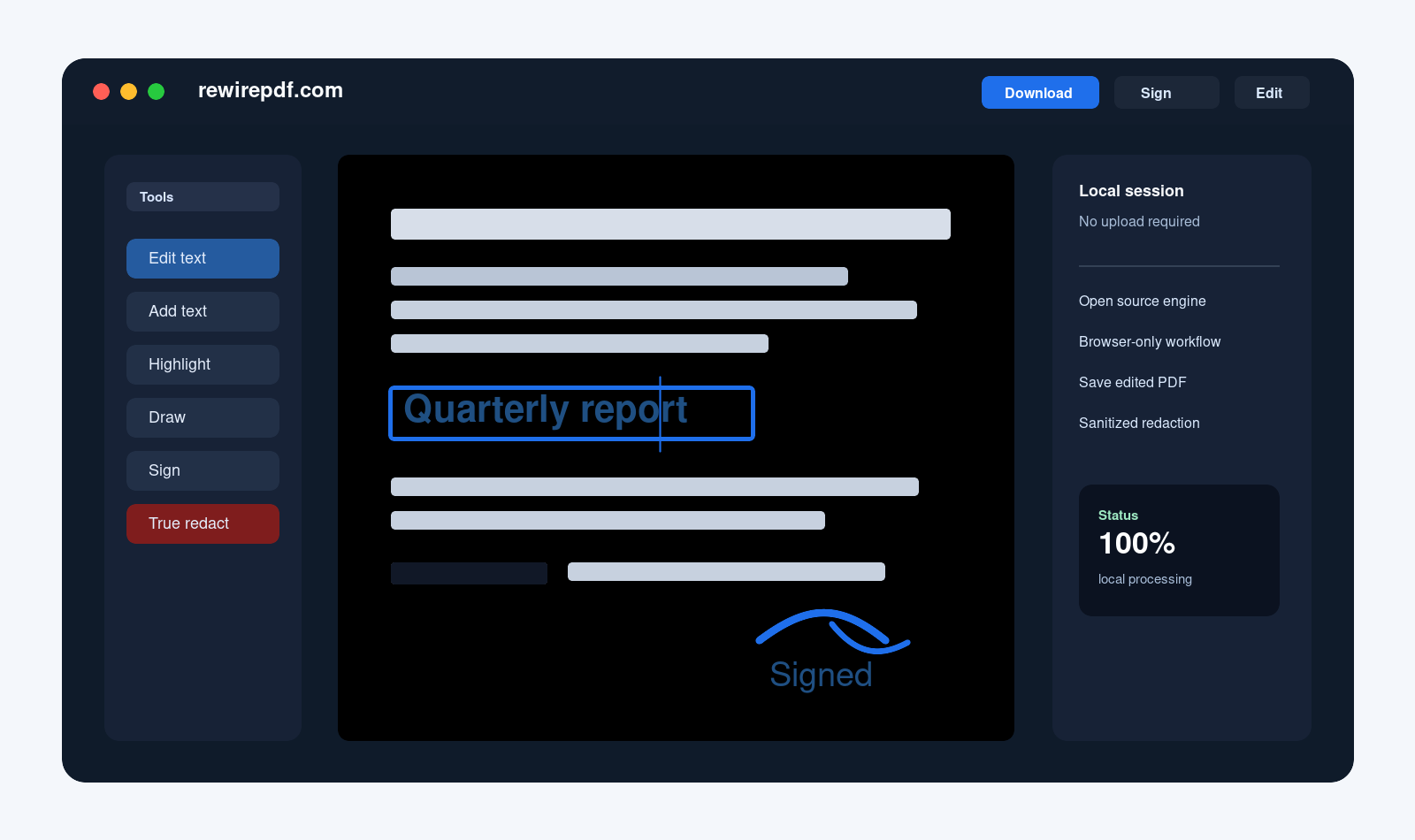
Open source PDF editor for everyday work
RewirePDF is a UX-friendly editor for the PDF tasks that should feel direct: edit, sign, annotate, organize pages, inspect certificates, check permissions, and export. Use it on the web, from mobile, or as a native app as that work lands.
Why it exists
Most PDFs do not need a giant document suite. They need a clear editor that helps you fix text where possible, add content, sign, review, manage pages, and save the result without turning a simple task into a workflow.
RewirePDF is built as an open project around practical PDF behavior: the interface stays approachable, while the editor still exposes the document details that matter when a PDF is complex.
Tools
RewirePDF focuses on operations that belong in a friendly PDF editor: small edits, annotations, signatures, page work, and export.
Change source text in compatible PDFs while keeping the document editable and downloadable.
Place text, images, stamps, and corrections with clear formatting controls.
Type, draw, or import a signature and position it where the PDF needs it.
Highlight, draw, comment, and mark up files during everyday review work.
Rotate, reorder, organize, and export the PDF after the document is ready.
Use real redaction paths when the PDF structure allows the content to be removed.
Inspect certificate information so signed PDFs are not treated as a mystery box.
Surface document permissions and restrictions where the PDF defines them.
PDF support
PDF is an old, broad, sometimes strange format. RewirePDF aims to support the documents people actually receive: standard PDFs, files produced by office tools, Adobe-flavored documents, and XFA forms.
Platforms
RewirePDF is not meant to trap you in one surface. The project is available on the web, works from mobile browsers, can be installed as an app-like PWA, and has native app work in progress.
Open the editor from a browser and start with a PDF whenever you need a quick edit.
Use RewirePDF from supported mobile browsers for lightweight PDF work away from a desktop.
Desktop-native packaging is part of the project direction, so the editor can meet different working habits.
Open project
RewirePDF extends PDF.js with editing and saving features. The goal is a practical community project: readable code, visible development, and an editor that improves because people can inspect it, report issues, and shape the roadmap.
Ready when you are